

FaceFusion
Industry leading face manipulation platform.



Preview
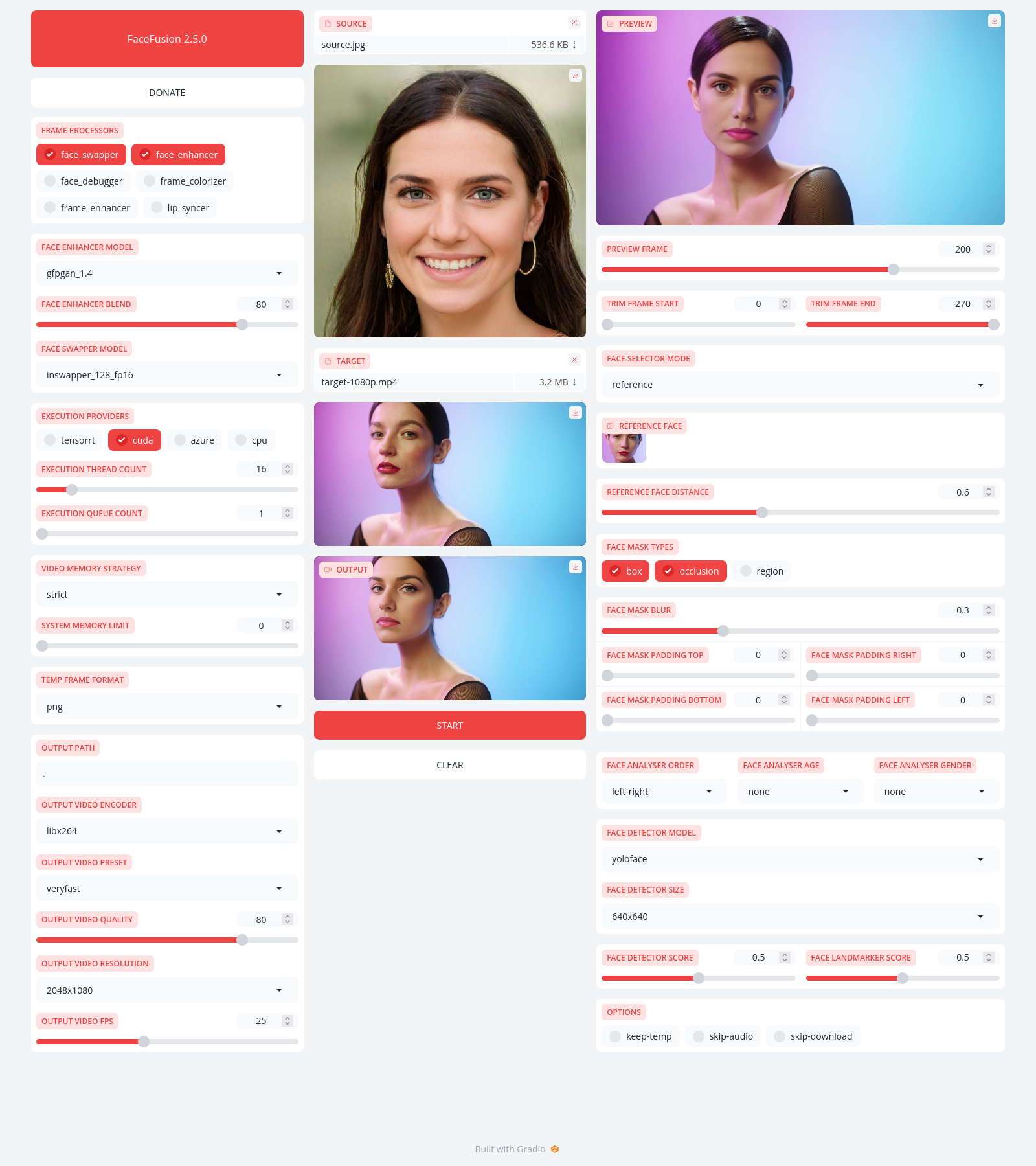
Installation
Be aware, the installation needs technical skills and is not recommended for beginners. In case you are not comfortable using a terminal, our Windows Installer and macOS Installer get you started.
Usage
Run the command:
python facefusion.py [commands] [options]

options:
  -h, --help                                      show this help message and exit
  -v, --version                                   show program's version number and exit

commands:
    run                                           run the program
    headless-run                                  run the program in headless mode
    batch-run                                     run the program in batch mode
    force-download                                force automate downloads and exit
    benchmark                                     benchmark the program
    job-list                                      list jobs by status
    job-create                                    create a drafted job
    job-submit                                    submit a drafted job to become a queued job
    job-submit-all                                submit all drafted jobs to become a queued jobs
    job-delete                                    delete a drafted, queued, failed or completed job
    job-delete-all                                delete all drafted, queued, failed and completed jobs
    job-add-step                                  add a step to a drafted job
    job-remix-step                                remix a previous step from a drafted job
    job-insert-step                               insert a step to a drafted job
    job-remove-step                               remove a step from a drafted job
    job-run                                       run a queued job
    job-run-all                                   run all queued jobs
    job-retry                                     retry a failed job
    job-retry-all                                 retry all failed jobs
1. Create and activate a Python virtual environment

py -3.10 -m venv venv
venv\scripts\activate

2. Try installing packages from requirements.txt

pip install -r requirements.txt

3. Install a compatible version of NumPy

pip install numpy==1.26.4

4. Reinstall requirements.txt without dependencies

pip install -r requirements.txt --no-deps

5. Upgrade pip

python -m pip install --upgrade pip

6. Install OpenVINO

pip install openvino==2025.3.0

7. Install tqdm

pip install tqdm

8. Install OpenCV

pip install opencv-python==4.8.1.78
pip install opencv-contrib-python==4.8.1.78

9. Check the OpenCV (cv2) version

python -c "import cv2; print(cv2._version_)"

10. Install ONNX Runtime

pip install onnxruntime

11. Install SciPy

pip install scipy

12. Install FFMpeg

pip install FFMpeg

13. Run the final script

python facefusion.py

# Install OpenVINO
pip install openvino==2025.3.0

# Run facefusion script
python facefusion.py run

# Install torch and torchvision
pip3 install torch torchvision

# Install all requirements from requirements.txt
pip install -r requirements.txt
Documentation
Read the documentation for a deep dive.
Inference Providers
NEW
This model isn't deployed by any Inference Provider.
🙋
Ask for provider support